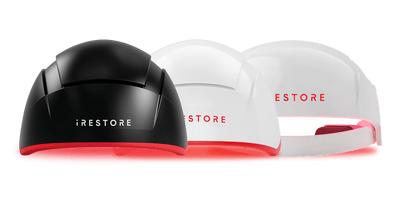


can create pressure, cause the helmet to shift, or affect how securely it sits during a session.
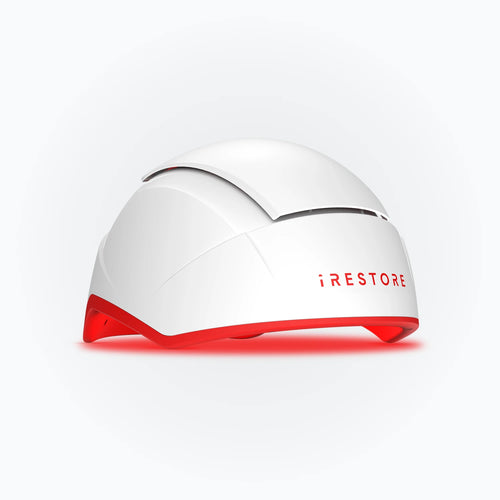
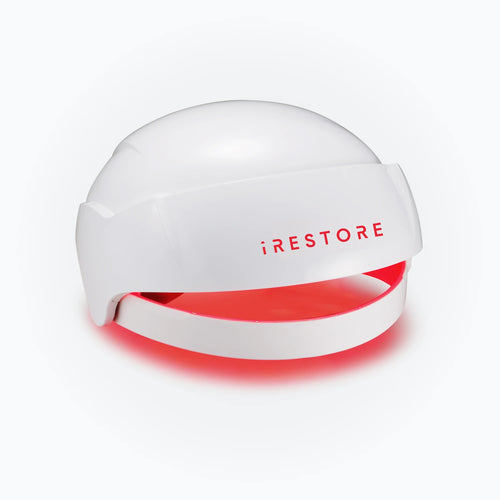
This guide explains how to check the fit of your iRESTORE Essential, Professional, or Elite helmet, troubleshoot common fit problems, and know when to contact iRESTORE Support.
Is Your iRESTORE Helmet Too Tight, Too Loose, or Uneven?
A correct iRESTORE helmet fit should feel secure without concentrated pressure. According to the official guide on how to use the iRESTORE helmet, the device should sit upright like a cap, and the front edge should not cover your eyes.
Use this iRESTORE helmet fit checklist to identify the problem before adjusting or replacing the foam cushions.
|
Fit issue |
Common signs |
What to check |
|
Too tight |
Pressure at the temples, forehead, crown, or back of the head; pinching; discomfort that continues during the session |
Check whether a cushion is folded, raised, or positioned unevenly |
|
Too loose |
The helmet slides forward, rocks, tilts, or shifts when you turn your head |
Confirm that every cushion is attached securely and sitting flat |
|
Uneven |
One side feels tighter, the helmet sits at an angle, or pressure is concentrated in one area |
Compare the cushion positions on both sides and center the helmet |
|
Correct fit |
The helmet sits level, remains stable, and feels secure without concentrated pressure |
No adjustment is needed |
Why fit matters: A stable fit helps prevent the helmet from shifting or lifting during a session. The built-in safety sensor may pause the device if the helmet is lifted or positioned incorrectly.
How to Check and Adjust the iRESTORE Foam Pads
Before requesting replacement foam pads, check the placement and attachment of the pads already inside the helmet. A cushion that is loose, folded, or positioned unevenly can affect how the device sits.
-
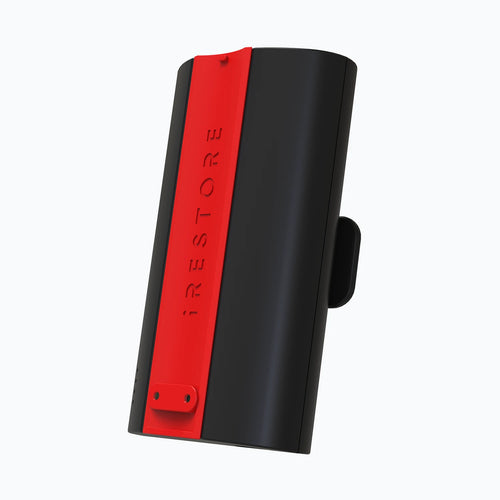
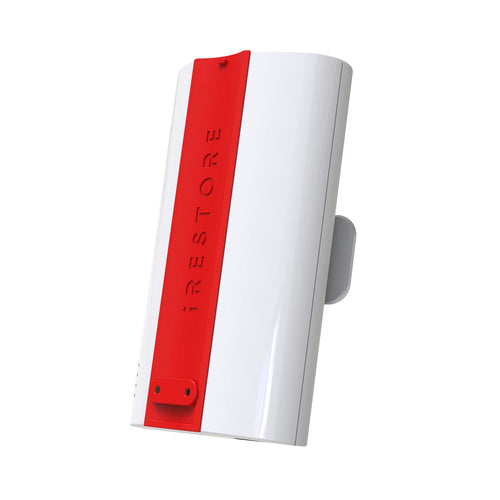
Turn off the device before inspecting the interior. Disconnect the power cord or battery pack, as applicable.
-
Check that every cushion is present and attached securely.
-
Confirm that each cushion lies flat.
-
Compare the left and right cushion positions.
-
Follow the official replacement guide when reattaching a cushion.
-
Put the helmet back on and check the fit.
Do not test the helmet without its cushions or add third-party padding. If the fit still feels wrong, continue to the section that matches your specific issue.
What If One Side Feels Tighter?
One-sided pressure may occur when the helmet is off-center, or the foam pads are not positioned evenly.
Check that:
-
The helmet is centered rather than leaning left or right.
-
The corresponding pads sit at the same height.
-
Neither pad is folded, raised, or partly detached.
Correct any visible difference and check the fit again. Do not create an asymmetric pad arrangement unless iRESTORE Support recommends it.
How to Fix an iRESTORE Helmet That Is Too Tight
If your iRESTORE helmet is too tight, identify whether the pressure is concentrated at the forehead, temples, crown, or back of the head. Recheck the cushion nearest that area and confirm that it is not raised, folded, or positioned differently from the matching cushion.
Do not remove, cut, or compress the cushions to create more room. If the pressure remains after you check the placement, contact iRESTORE Support with your helmet model and the location of the discomfort. The team can confirm whether a different approved cushion configuration is available.
How to Fix an iRESTORE Helmet That Is Too Loose
If your iRESTORE helmet is too loose and slides, rocks, or tilts, confirm that all foam pads are present and securely attached. Check whether any cushion looks compressed, damaged, or detached, since this may change how the helmet sits.
Do not add homemade padding or third-party foam. If the helmet remains loose, contact iRESTORE Support with your device model and describe how it moves during use. The team can confirm whether you need an approved replacement or alternative cushion configuration.
Why Does My iRESTORE Helmet Keep Pausing?
The built-in safety sensor may pause the session if the helmet is lifted or positioned incorrectly. A helmet that shifts during use can contribute to this problem, although fit is not the only possible cause.
Check that the helmet is upright, stable, and not lifting when you move. Also confirm that you did not press START to pause the session manually. If the session remains paused for five minutes, the device may shut off automatically.
If the helmet remains securely positioned but interruptions continue, contact iRESTORE Support.
How to Confirm the iRESTORE Helmet Fits Correctly
After checking or repositioning the cushions, confirm the fit before starting a full session.
-
Place the helmet upright like a cap.
-
Confirm that the front edge remains above your eyes.
-
Check that the helmet sits level.
-
Turn your head gently and confirm that the helmet remains stable.
-
Start the session and check that the device operates normally.
Contact iRESTORE Support if significant pressure, movement, or unexpected pausing continues.
When Should You Replace or Clean the Foam Cushions?
Regular cushion checks can help preserve a stable fit and identify wear before it affects how the helmet sits. The steps below explain when replacement may be needed and how to clean the attachment area safely.
a) Signs the Cushions Need Replacement
Foam cushions may need replacement when they no longer stay secure or support a stable fit.
Look for these signs:
-
A cushion repeatedly lifts or detaches.
-
The foam appears flattened, cracked, torn, or misshapen.
-
A cushion no longer lies flat after reattachment.
-
The helmet fit changes after visible cushion wear or damage.
The Essential uses a different replacement-pad set from the Professional and Elite. Confirm your model before ordering.
For installation guidance, follow the official iRESTORE foam cushion replacement guide.
b) How to Clean the Pad Area
Use a clean, dry cloth to remove dust or lint from the pad and attachment area. If adhesive residue remains, follow the official replacement instructions, which permit a small amount of rubbing alcohol on a cloth.
Allow the area to dry completely before installing or reattaching a pad. Keep moisture away from the lights and electronic components. Do not submerge the pads or apply third-party adhesives.
Watch a Customer’s Six-Month iRESTORE Journey
Want to hear from someone who used iRESTORE consistently over six months? In this video, an iRESTORE customer shares their experience with red light therapy for hair growth, including how their perspective changed during the process.
[YouTube Video: From Skeptic to Believer: My 6-Month Journey with iRESTORE Red Light Therapy for Hair Growth]
Clinical studies and systematic reviews suggest that low-level laser or light therapy may improve hair density in some people with androgenetic alopecia. However, results can vary by device, treatment schedule, study design, and individual response.
*Individual experiences vary. This video reflects one customer’s experience and does not guarantee similar results.
When Should You Contact iRESTORE Support?
Contact iRESTORE Support when:
-
The helmet remains painful or unstable after you check the pad placement.
-
A foam pad is damaged or will not stay attached.
-
The device continues pausing despite stable positioning.
-
You need help identifying the correct model-compatible replacement set.
Include your helmet model, where the fit feels tight or loose, whether the helmet slides or tilts, whether the session pauses, and the visible condition of the pads. Clear photos of the pad placement may help the support team identify the next step.
For additional help, call iRESTORE at 888-373-7425, use live chat, or send a message through the official contact page.
Frequently Asked Questions
Q1. Do I need tools to replace iRESTORE foam pads?
A1. No. The official iRESTORE replacement process does not require tools. The old pads can be removed carefully, and the replacements should be aligned with the original positions and pressed firmly into place.
Q2. Can repositioning the foam cushions affect light placement?
A2. Yes. A loose, raised, or misaligned pad may affect helmet stability and light placement. When replacing a pad, position it in the same location as the original and follow iRESTORE’s official instructions.
Q3. Do the Essential, Professional, and Elite use the same foam pads?
A3. Not all models use the same replacement set. iRESTORE provides one foam pad set for the Essential and another for the Professional and Elite models, so confirm your device model before ordering.
Q4. Should I replace every foam cushion if only one is damaged?
A4. Do not replace a single cushion with an improvised pad. Confirm with iRESTORE Support whether your model requires the complete approved replacement set.
Disclaimer: The iRESTORE blog is for informational purposes only and is not intended to replace professional medical advice or treatment. Please do not ignore professional guidance because of information you’ve read here. If you have concerns about your hair, skin, pain, or overall health, we encourage you to consult a qualified healthcare professional.